Learn Pega | Practice | Crack Interviews
pegaguide@gmail.com

Saving data in a data page as part of a flow.


Data page has to be configured initially with edit mode as 'savable' and define the save plans. The configuration of savable data pages can be found here.

Now lets discuss on how to use the savable datapage in a flow action.
Select the smart shape 'Save DataPage' in the diagram tab of the flow rule.
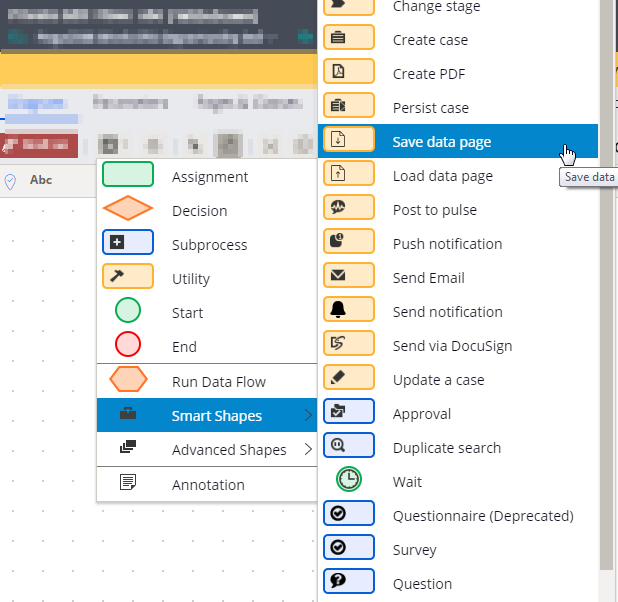



Right click on the smart shape and click view properties
In the automation details section, enter the data page name that you configured as savable data page.

  Configure savable datapage

  Saving data in a data page as a part of flow action.

  Saving data in a data page when running an activity.

Leave a comment