
Constellation
The Secret Life of Attachments in Pega Constellation
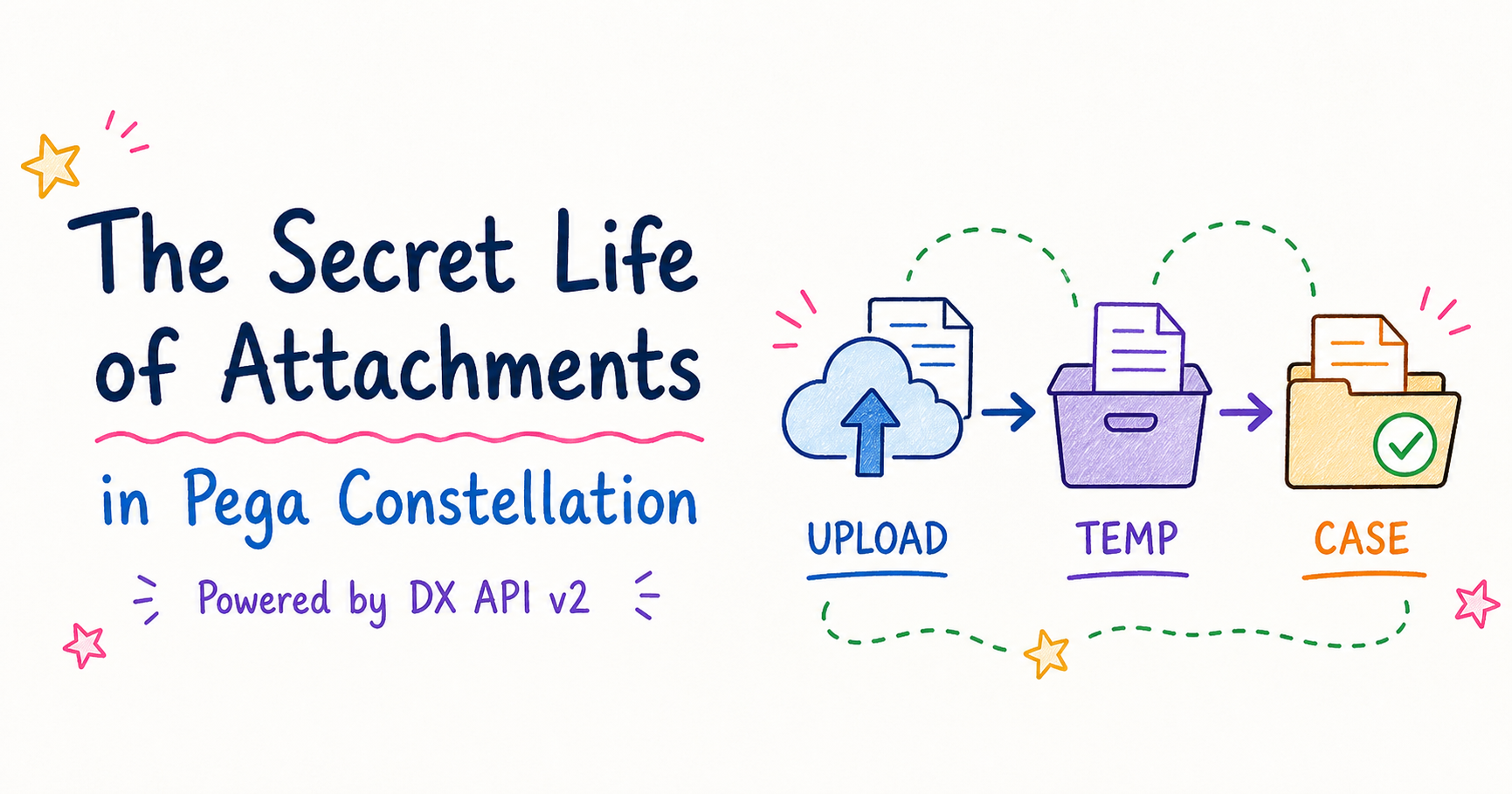
Attachment Lifecycle in Pega ConstellationAttachments are an important part of many Pega applications. While creating or processing a case, users may need to upload documents such as invoices, identity proofs, application forms, supporting evidence, or other relevant files.With the introduction of Pega Constellation, the attachment-handling approach has evolved compared with the traditional Cosmos React experience. Understanding this difference helps developers determine how attachments are managed during case creation, when they become permanent, and what happens when a user submits or cancels a case.1. Attachment Process in Cosmos ReactIn the Cosmos React approach, an uploaded attachment is generally handled as part of the case’s attachment…
Continue reading for free
Subscribe with your email to unlock this article and receive useful Pega learning updates. There is no cost.
we had a requirement in our project to add version no. to attachment file name if duplicate attachment is attached
what my understanding is pega doesn’t allow duplicate file saving in to pega repo but why is that?
Pega restricts duplicate document uploads using the pxExists When rule in the pzSaveToRepository activity. This behavior can be customized by updating the When rule to allow duplicate documents.
We’re happy to help. Please feel free to reach out if you have any further queries.